
Quick answer: An APK file is not dangerous by itself, but it can be unsafe depending on where it comes from. APKs from the official developer or a reputable source that checks signatures are generally fine. APKs from unknown websites, “free” versions of paid apps and modified apps are the main source of malware.
Millions of people install APK files every day without any problem. Others have lost money or personal data because they installed the wrong file. The difference is almost always the source and the habits of the user. This guide explains the real risks, how to reduce them, and when you should simply not install a file.
Why APK Files Are Not Dangerous By Themselves
An APK is just a package, like a ZIP file with a special structure. If you are new to the term, read What Is an APK File? first. Every app on your phone, including the ones from the Play Store, was installed from this type of package. What matters is who made the package and whether anyone changed it afterwards.
What Are the Real Risks?
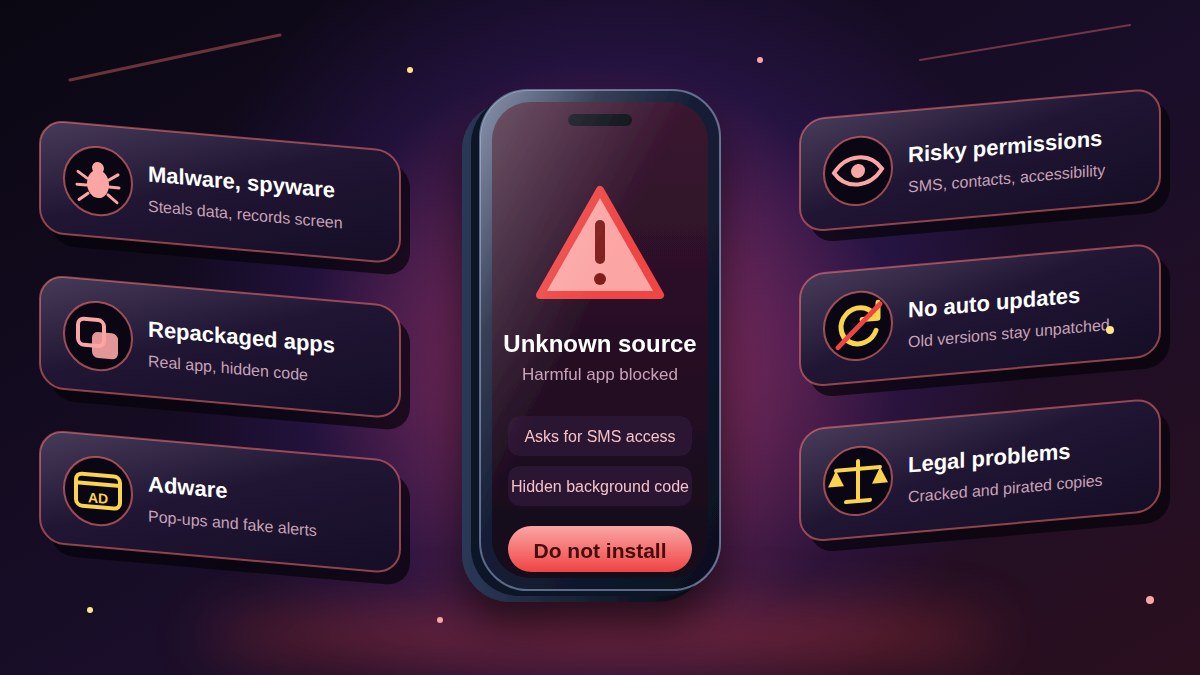
- Malware and spyware
A harmful APK can steal passwords, read messages, record the screen or run in the background. Banking trojans pretend to be useful apps and wait for you to open your banking app.
- Repackaged or modified apps
Attackers take a popular app, add hidden code, and upload it again under the same name. It looks and works the same, so you may not notice anything. This is the biggest danger of downloading from unknown sites.
- Adware
Some APKs fill your phone with pop-ups, fake notifications and unwanted ads. It is annoying and can lead to more dangerous sites.
- Excessive permissions
An app that asks for access to your contacts, SMS or accessibility settings when it does not need them is a warning sign. See Android App Permissions Explained.
- No automatic updates and security patches
Apps installed manually do not always update by themselves. An old version may contain known security problems. Learn how to handle this in How to Update Android Apps Manually.
- Legal problems
Downloading a free app from its developer is legal. Downloading cracked or pirated copies of paid apps and games is not, and that is also where malware is most common.
Which APK Sources Are Safer?
No source is perfect, but some are far better than others.
| Source | Safety level | Notes |
| Google Play Store | High | Apps are reviewed, and Google Play Protect scans apps on your device |
| Official developer website | High | Use this when the app is not on the Play Store. Make sure you typed the real address |
| Open-source stores such as F-Droid | High | Focused on free and open-source apps |
| Reputable APK archives that verify app signatures | Medium to high | They compare each file’s signature to the original developer’s. Still check the file |
| Random “free APK” websites | Low | Often host edited files, ads and fake downloads |
| Links sent in chats or social media | Low | Do not install files from people you do not know |
For more on how to recognise bad websites, see How to Spot Fake APK Websites. If you want a wider list of stores, read Best Alternative App Stores to Google Play Store.
7 Rules to Download APK Files Safely
- Use the official source first. Check if the developer offers the APK on their own site.
- Skip modified apps. “Mod,” “premium unlocked,” “unlimited coins” and “cracked” files are the highest-risk category.
- Check the file size and version. Compare it with what the developer lists.
- Scan it. Upload the file to a malware scanner. Here is how: How to Scan an APK With VirusTotal.
- Verify the signature or hash when the developer publishes one: How to Verify an APK Signature and SHA-256 Hash.
- Read the permissions before tapping Install.
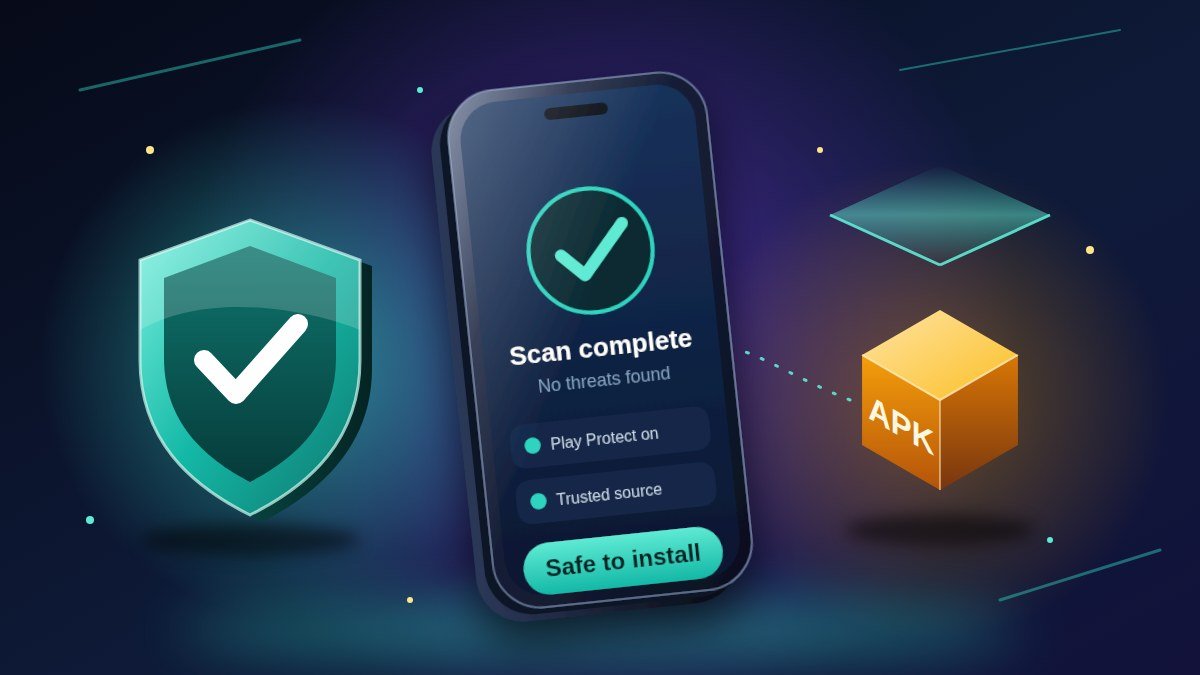
- Keep Google Play Protect on. It checks apps on your device even after installation. Learn more in What Is Google Play Protect?
For a complete checklist, follow How to Check If an APK File Is Safe Before Installing.
Add your own experience here: for example, “I once downloaded an APK from a site that kept redirecting me to ads. I closed the page and installed the app from the developer’s own website instead.”
Warning Signs That an APK Is Unsafe
Stop if you notice any of these:
- The website forces you to install another “downloader” app first.
- The file name does not match the app, or the file size is much smaller than normal.
- The app asks for permissions that do not match its job.
- Google Play Protect warns that the app is harmful.
- The site promises paid features for free.
- You are asked to switch off Play Protect before installing.
If you see a Play Protect message and are not sure what it means, read How to Fix “Blocked by Play Protect”.
What to Do If You Installed a Suspicious APK
- Uninstall the app from Settings > Apps.
- Disconnect from the internet (airplane mode) if the phone behaves strangely.
- Run a Play Protect scan (Play Store > profile icon > Play Protect > Scan).
- Change important passwords from a different, clean device, especially banking and email.
- Contact your bank if you entered payment details.
- Reset the phone to factory settings if problems continue. Back up your photos and contacts first.
Are APKs Safe on the Play Store Version vs. Direct Download?
The same app can be safe from one source and unsafe from another, because the file is what counts. A copy of a popular app from an unknown website is not the same file as the original, even if it has the same name and icon. Always compare the source, the developer name and the file signature when possible.
Frequently Asked Questions
Can an APK file hack my phone?
A malicious APK can harm your phone only if you install it and give it permissions. Simply downloading the file does not usually do anything, but you should still delete files you do not trust.
Is it safe to download APK from Google Chrome?
Chrome is only the tool you use to download. The safety depends on the website. Chrome warns about APK files in general, which is a reminder to be careful.
Are Mod APKs safe?
Not recommended. They are changed by unknown people, break app rules, and are a common way to spread malware. We do not recommend or link to them on this site.
Is sideloading legal?
Installing apps from outside the Play Store is legal in most places. Piracy of paid apps is not. Always follow the rules of your country.
Does an antivirus app make APKs safe?
It helps but does not guarantee safety. Use it together with safe sources, scanning and good judgement.
Conclusion
APK files are safe when they come from the right place and unsafe when they come from the wrong one. Stick to official sources, avoid modified apps, scan files and keep Play Protect on. When you are ready to install, follow our step-by-step installation guide.
Related guides:
- How to Check If an APK File Is Safe Before Installing
- How to Spot Fake APK Websites
- How to Scan an APK With VirusTotal
More guides: Browse all Blog articles